Merge Video
Combine Multiple Videos to Make One Perfect Clip.
This program allows you to blend any number of video files to make one video clip. You can also add an audio track, set the desired aspect ratio and select the output format — all in one screen. If you want to quickly create a perfect video for YouTube or any social media channel, this program is for you.
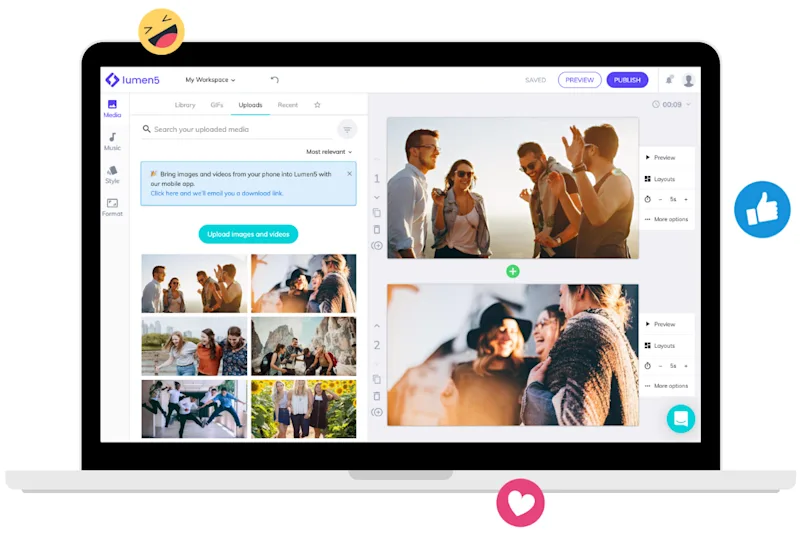

Merge any amount of video footage
Add audio, adjust crop options, and set screen aspect ratio with a few clicks
Combine video files online in 3 steps
Get started for free →
STEP 1
Choose files
Select and upload the video files you would like to put together. You can add one file at a time or choose several at once.
STEP 2
Drag and drop
Drag-and-drop the files until they are in the desired order. You can then trim it, add an audio file, and set the volume.
STEP 3
Download your video clip
Once your video footage is all organized in the perfect position, click the merge button. If you’re happy with the result, download and save the file.

World-class video marketing content. Made in minutes. No video editing skills required. Sign up for free today to grow your brand.
Tips and tricks for effortless video production
Learn how our customers save time and boost engagement with Lumen5