Cut Video
Easily Cut Your Video For The Perfect Length.
This easy-to-use tool allows you to cut your video in just a few minutes. There are no secrets. The online video cutter makes it simple for everyone — from beginners to professionals.
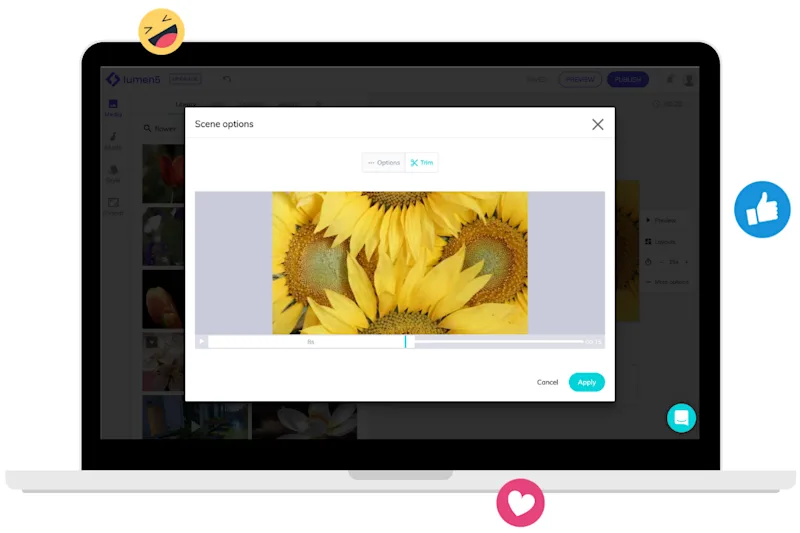

Easily trim your video with our online video cutter
Slide the cutting bars to select the desired beginning and end of the video
How to cut a video online in 3 steps
Get started for free →
STEP 1
Upload a file
Choose a video from your device, Dropbox, or Google Drive. You can simply drag and drop the file into our tool to cut it.
STEP 2
Cut your video
Once you have your file uploaded, you can slide the cutting bars to trim the video as you wish. Then you can select an output format. Keep in mind that MP4 format is the best if you’re editing from a mobile device.
STEP 3
Download your file
Once your video is edited, you can watch it online right from your browser. If you’re happy with the result, you can save it either to your device, Google Drive, or Dropbox.

World-class video marketing content. Made in minutes. No video editing skills required. Sign up for free today to grow your brand.
Tips and tricks for effortless video production
Learn how our customers save time and boost engagement with Lumen5