Adjust Video
Add a Vignette, Fade Effects and Edit the Contrast, Brightness, and Saturation of Your Video.
Use the brighten video app not only to adjust light, but also to change contrast, colors, saturation, and add different effects. Our software makes it easy to adjust video even for beginners.
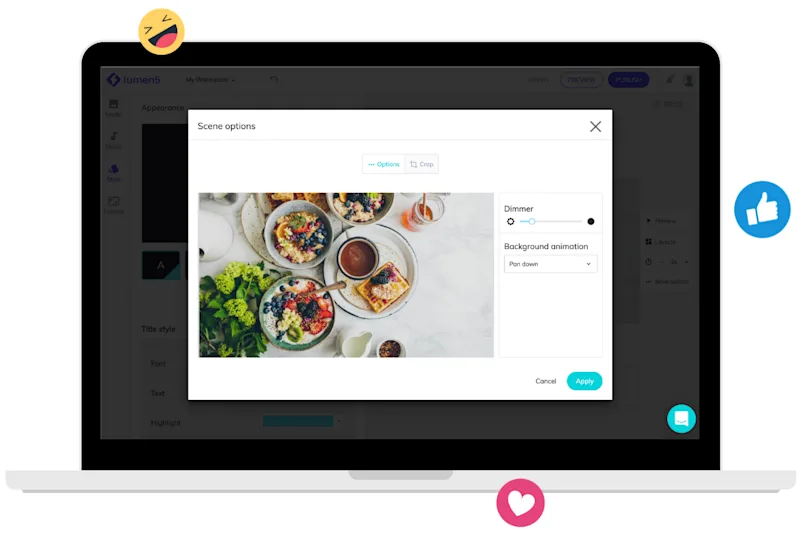
Easily master this video lighting editor
Use different settings to adjust your video as you’d like
How to brighten a dark video in 3 steps
Get started for free →
STEP 1
Upload a file
Choose a video or image from your device, Google Drive, or Dropbox. You can upload files up to 500 MB for free.
STEP 2
Adjust your video
Once your video is uploaded, you can use the sliders to edit brightness, saturation, contrast, and other settings. Then you can select an output format. Make sure to convert the clip to MP4 if you want it to be played on mobile.
STEP 3
Download your video
You can play your clip to make sure that it came out as expected. If you’re happy with the result, you can then click the download button. You can also save it back to Google Drive or Dropbox.

World-class video marketing content. Made in minutes. No video editing skills required. Sign up for free today to grow your brand.
Tips and tricks for effortless video production
Learn how our customers save time and boost engagement with Lumen5