Add Audio to Video — With Precise Timing Control
Easily Add Music to Video Online.
Upload your video and audio file, place the sound exactly where it should start on the timeline, and preview instantly — all in your browser.
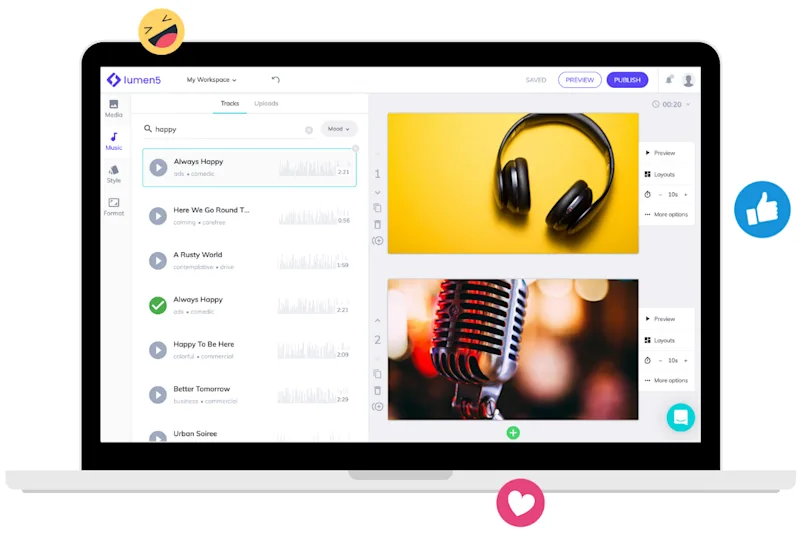
What this free tool does
This free add-audio-to-video tool lets you upload an existing video and audio file, visually sync them on a timeline, and export the result — without creating an account.
STEP 1
Upload your video and audio
Upload your video file and the audio you want to add, such as background music or a voiceover.
STEP 2
Sync audio on the timeline
Drag the audio file to the exact point where it should begin. Adjust timing visually.
STEP 3
Export your video
Preview the video to confirm audio timing, then export your final file.

Need more than basic audio syncing?
This free tool is designed for quick audio placement. Lumen5’s full platform helps teams create branded, multi-scene videos at scale.
Get started for free →
To add audio to a video online, upload your video file and your audio file, then place the audio on the timeline where it should start. Preview the timing and export your video once it sounds right. Lumen5’s free tool lets you do this directly in your browser without downloading software.
Yes. You can upload your own audio files, including voiceovers or background music, and sync them with your video. This is useful if you’ve already recorded narration or music and just need to align it with your visuals.
Yes. Lumen5 allows you to visually place your audio on a timeline so you can control the exact moment it begins. You can adjust the timing by dragging the audio track until it lines up with your video.
Yes. You can use the free tool to upload a video, add audio, preview the timing, and export your video. If you need advanced features like branded templates, multi-scene videos, or team workflows, those are available in the full Lumen5 platform.
Lumen5 supports common video formats like MP4 and MOV, as well as popular audio formats such as MP3 and WAV. This allows you to add audio to videos without converting files beforehand.
No. The tool is designed to be simple and visual. If you can upload files and drag an audio track on a timeline, you can sync audio to your video — even without prior editing experience.
Tips and tricks for effortless video production
Learn how our customers save time and boost engagement with Lumen5