Education Video Maker

Turn Photos, Music, GIFs, and Short Clips into Engaging Educational Videos.

Lumen5's education video maker is a must-have tool when it comes to video production. Elevate the learning process by creating instructional video clips that make the course fun. Take advantage of this online video maker and breathe life into education.
Sign up free
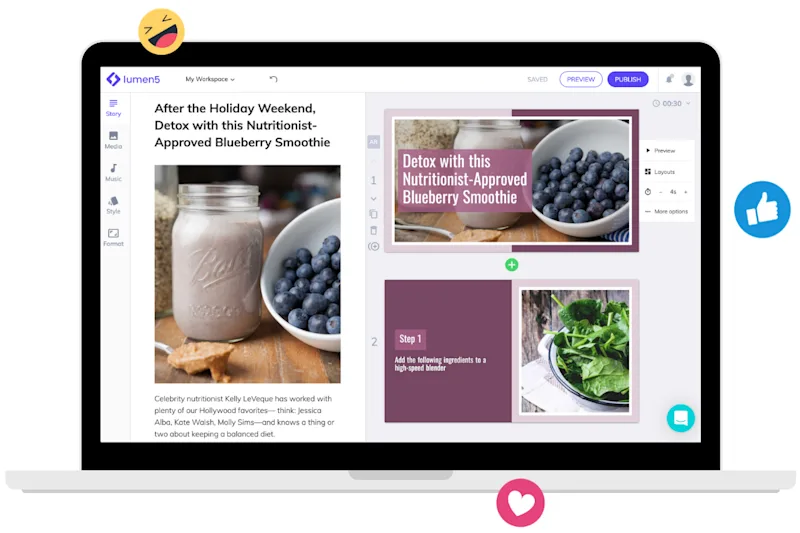
lumen5-laptop-blueberry-smoothie-how-to-video-screenshot
videocam

Video Templates

Create captivating instructional videos for online courses and video lessons with the Lumen5 video maker. Step up your tutorial game and use a video template that draws your viewers in.

laptop_mac

Works on Any Device

Use your desktop, smartphone, or laptop to leverage how this software transforms educational material into immersive experiences that boost student engagement.

control_point

Supports All File Formats

Video production doesn’t have to be difficult. Our tool lets you create video content using any file format including JPEG, GIF, or PNG. Once you upload it to our online video maker, we’ll take care of the rest.

check

Intuitive Interface

You don’t need to be a wiz at video editing to create video content that sticks. The Lumen5 video maker is a user-friendly tool that’s super easy to manage. Create high-quality educational videos in no time at all.

wifi

Online Video Maker

The online video maker tool doesn’t require much from you to work, just an internet connection. You don’t need to download any programs or software to your device.

security

Premium Security

The privacy of your video content is something that we respect and uphold. Our online video maker is equipped with high-security software encryption that prevents unauthorized personnel from accessing your video content.

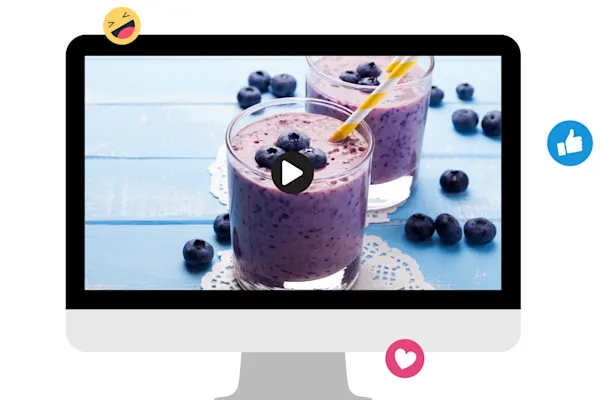
lumen5-desktop-blueberry-smoothie-video-screenshot

Create instructional videos with this free video maker

Drag and drop files in the order that you’d like them to appear in the video

3 Steps to Making Quality Educational Videos

Get started for free →

STEP 1

Drag and drop files or paste a URL

Select files from our content log or from your device and upload them to the video maker. You also have the option to copy and paste links to blog posts. Our online tool will convert them into a video series.

STEP 2

Design a compelling video

Pick a brand theme and video format from our templates. Then, our tool will combine your uploaded files into a compact video clip. From there, you can edit your video by modifying the images, audio, and text that are included to your liking.

STEP 3

Download the result

Preview the final edited version of the video. Ensure that it reflects all of the changes that you wanted to make. Once that is done, download it. You can then share it on social media or any other channel.

lumen5-tablet-smoothie-ingredients-blender-photo

World-class video marketing content. Made in minutes. No video editing skills required. Sign up for free today to grow your brand.

Tips and tricks for effortless video production

Learn how our customers save time and boost engagement with Lumen5

Join over 5,000,000 companies using Lumen5 to tell their stories.

Lumen5 is a video creation software that helps marketers, publishers, and brands create video content in a breeze, without any technical expertise.
Sign up free